
How to Pay Bike or Car Challan Online in India
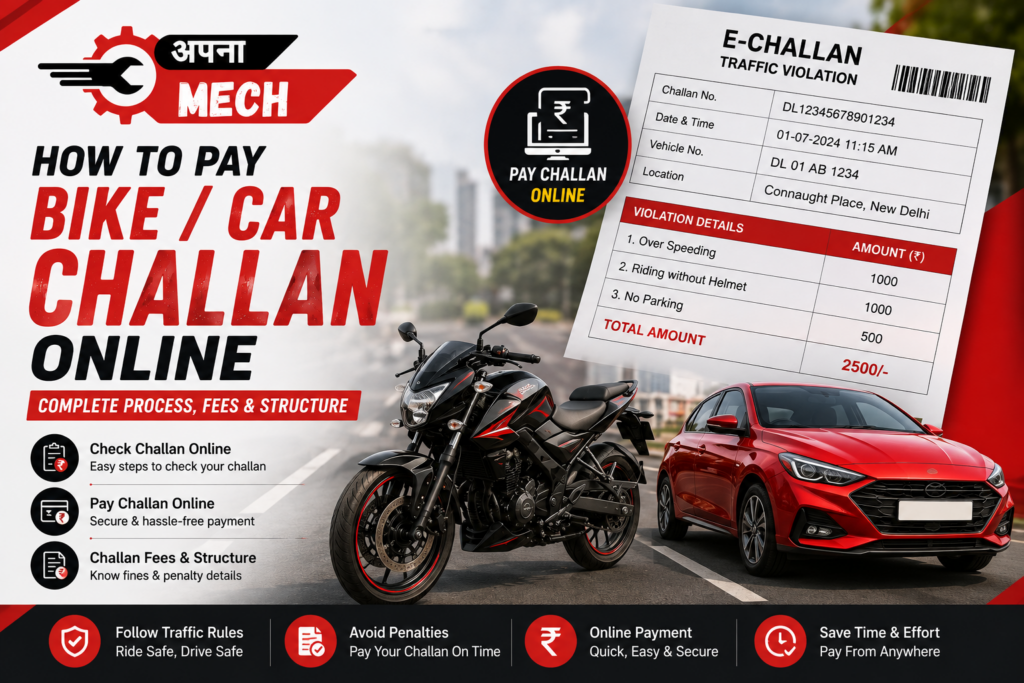
Getting a traffic challan is never a pleasant experience. Whether you are riding a bike or driving a car, a challan can be issued for reasons such as speeding, jumping a red light, parking in a restricted area, driving without a helmet or seat belt, using a mobile phone while driving, or other traffic violations. The good thing is that you don’t always have to visit a traffic police office to clear your challan. In many cases, you can check the challan details and make the payment online from your phone or computer. In this guide, Apna Mech explains how to check and pay a bike or car challan online, what information you need, how the payment works, and what you should know about challan fees.
What is an E-Challan?
An e-Challan is a digital traffic challan issued for a violation of traffic or transport rules. India’s e-Challan system is a Government of India initiative developed for digital traffic enforcement and is connected with vehicle and driving-licence databases. Instead of keeping everything on paper, the details of the violation, vehicle, amount and payment status can be recorded digitally.
You can check details such as:
- Challan number
- Vehicle registration number
- Date of challan
- Type of violation
- Challan amount
- Challan status
- Payment status
How to Check Your Bike or Car Challan Online?
Official Government e-Challan Portal
You can generally search using your challan number, vehicle number or driving licence number, depending on the service available for your case. The official portal provides options to retrieve challan details and proceed with online payment.
Step-by-Step Process
Step 1: Open the official e-Challan website.
Step 2: Select the option to check challan status/details.
Step 3: Enter your vehicle number, challan number or driving licence number as applicable.
Step 4: Enter the captcha or verification details shown on the screen.
Step 5: Click on Get Details.
Step 6: Your available challan details will be displayed.
Check the vehicle number, challan date, offence, amount and status carefully before making any payment.
How to Pay a Bike or Car Challan Online?
- Open the official e-Challan portal.
- Search for your challan.
- Check the violation and amount.
- Select Pay Now where the option is available.
- Follow the payment instructions shown on the government portal.
- Complete the payment using the available payment method.
- Save the transaction ID and payment receipt.
The official system provides payment verification and transaction-status facilities, so keeping your transaction details is useful if there is any issue later.
What Are the Challan Fees for Bikes and Cars?
There is no single fixed challan amount for every traffic violation across India. The penalty depends on the type of offence, vehicle category, applicable law and the state or authority issuing the challan. For example, a helmet-related violation, speeding violation, red-light violation, driving without required documents and other offences can have different penalties. In some cases, repeat offences may also attract different or enhanced penalties under the applicable rules. The e-Challan system can use offence history while calculating challan amounts.
Common Challan Categories
| Violation | Challan/Fine |
|---|---|
| Riding without a helmet | Depends on applicable state rules |
| Driving without a seat belt | Depends on applicable rules |
| Overspeeding | Depends on vehicle and applicable rules |
| Jumping a red light | Depends on applicable rules |
| Driving without valid documents | Depends on the specific violation |
| Using a mobile phone while driving | Depends on applicable rules |
| Wrong-side driving | Depends on applicable rules |
| No-parking violation | Depends on local traffic rules |
| Driving without valid insurance | Penalty as prescribed under applicable law |
| Other traffic offences | Depends on offence and jurisdiction |
What Information Do You Need to Pay a Challan?
- Vehicle registration number
- Challan number
- Driving licence number
- Captcha/verification information
What Happens After You Pay the Challan?
After successful payment, the transaction is recorded in the system. You should save the payment receipt and transaction ID for future reference. The official portal also provides facilities for checking payment status and verifying transactions. If money has been deducted from your bank account but the challan still shows as pending, don’t immediately make another payment. First check the transaction status and payment verification option.
What If Your Challan Payment Fails?
Sometimes an online payment can fail because of a bank issue, internet problem or payment gateway error.
If the amount has been deducted but the challan is still showing unpaid:
- Note down the transaction ID.
- Check the payment status on the official e-Challan portal.
- Use the payment verification option if available.
- Avoid making a second payment until you confirm the status.
- Contact the official e-Challan helpdesk if the problem remains.
Can You Dispute a Challan?
If you believe a challan has been issued incorrectly, don’t simply ignore it. Depending on the state and type of challan, there may be a grievance or legal process through which you can raise the issue or contest the challan. For example, Delhi Traffic Police provides an online grievance facility for certain traffic challan-related complaints. The correct procedure depends on where and how the challan was issued.
What If the Challan Has Gone to Virtual Court?
Some challans can be forwarded to Virtual Court. The e-Challan portal itself provides a warning about such cases. If the portal says that a challan has been forwarded to Virtual Court, carefully read the payment instructions. Do not pay the same challan twice. The official portal specifically warns that if you have already paid through Virtual Court, you should not pay it again through e-Challan, and vice versa.
Be Careful of Fake Challan Messages
You may receive SMS or WhatsApp messages claiming that your bike or car has an unpaid challan and asking you to click a payment link. Don’t blindly trust such messages. The official e-Challan website warns users about fraudulent websites and apps pretending to be government e-Challan services.
- Check the website address carefully.
- Use the official e-Challan portal.
- Don’t share OTPs with anyone.
- Don’t provide card or banking details over a phone call.
- Don’t install an unknown APK sent through WhatsApp or SMS.
- Check the vehicle number and challan details before paying.
Why Should You Pay Your Challan on Time?
Ignoring a pending challan is not a good idea. Depending on the applicable rules and situation, an unresolved challan can create problems with certain vehicle or driving-licence related services. Government documentation also notes that pending challans can affect some transactions involving vehicles and driving licences. So, if you receive a genuine challan, check the details and deal with it through the proper channel instead of leaving it pending.
Final Words
Paying a bike or car challan online is much easier than it used to be. You can check the challan using your vehicle number, challan number or other available details, review the violation and amount, and complete the payment online when the facility is available. The most important thing is to use the official government portal and check the details before making payment. Challan fees are not the same for every offence, so the amount shown against your actual challan should be treated as the applicable amount.
Ride safely, follow traffic rules and keep your vehicle road-ready.

Add comment